Custom star map / How to make a star map
How to make a custom star map
How to make a star map of your date: what you need, how to do it for free with planetarium software, and when it is worth using an editor that gives you a print-ready file.
See the sky of my dateDesigning is free. Download from €14.99.
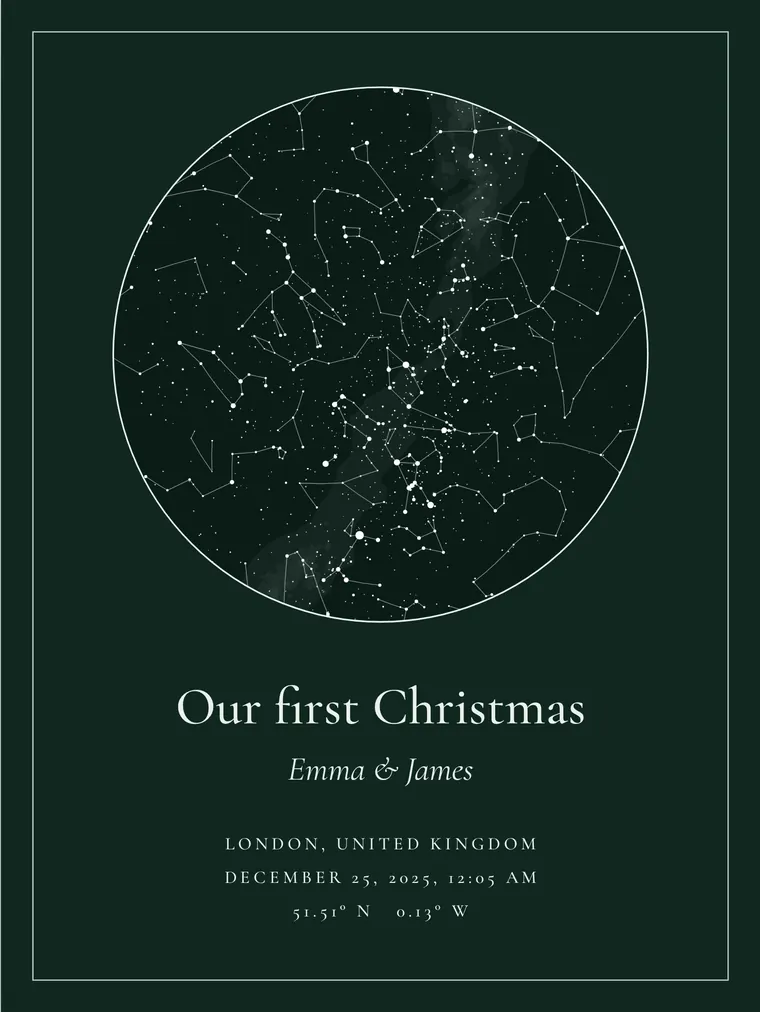
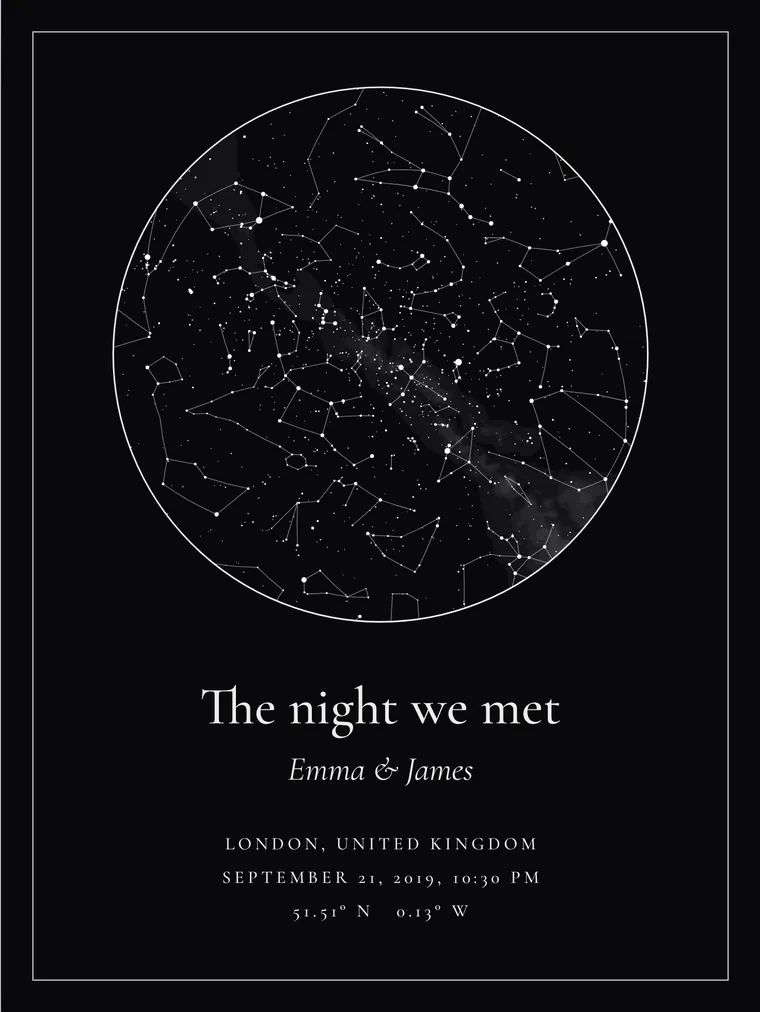
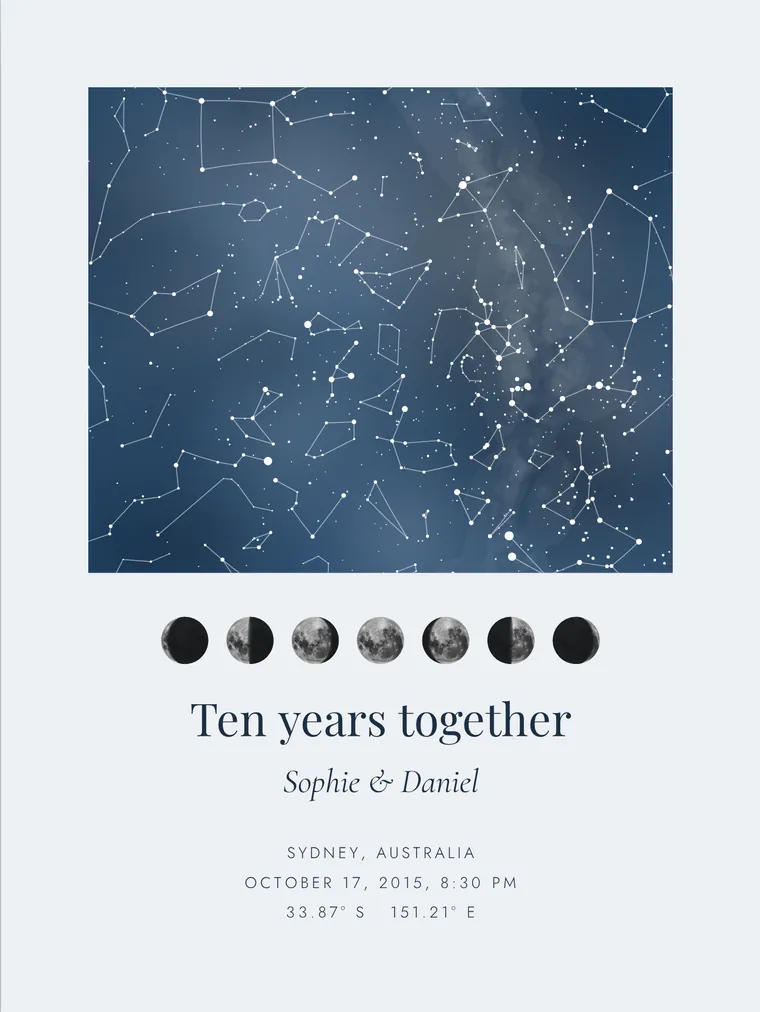
What you need to make a star map
- The place: the city or, to be more exact, the coordinates.
- The date of the moment you want to remember.
- The time. If you don’t know it, use 10 pm.
- The words: a title, the names and, if you like, a dedication.
Option 1: free, with planetarium software
Stellarium is free, open-source planetarium software, with a desktop version and a web version. It shows the sky of any date from any place.
- Open Stellarium and set your location.
- Change the date and time to those of your moment.
- Turn on the constellation lines. For a clean background, turn off the landscape and the atmosphere.
- Take a screenshot.
The good: it is free, it is accurate and it shows the planets too.
The bad: what you get is a screenshot, not a poster. A Full HD screen has 1920 × 1080 pixels, and a sharp 30 × 40 cm print needs 3543 × 4724. The screenshot is fine on a phone or printed small, up to about 9 × 16 cm (3.6 × 6.4 in) at photo quality. For the wall, it falls short.
If you plan to use the image for more than a personal gift, check the software’s terms of use first.
Option 2: build it by hand in an image editor
With the screenshot of the sky you can build the poster in Canva, Photoshop or any other editor. Create a canvas the size of your frame, place the sky, add the title, the names, the place and the date, and export.
Keep two things in mind. Image editors do not calculate the sky: the “star map” templates they include are usually decorative drawings, not the sky of your date. And when you enlarge a screenshot to fill a poster, the stars turn blurry.
It is a good option if you enjoy the process and plan to print small.
Option 3: a star map maker
A dedicated editor does the calculation and the design together and gives you a file at print resolution. In the Stelar Map Studio custom star map editor it takes five steps:
- Enter the city, the date and the time.
- Choose the shape, the colors and the lettering.
- Write the title, the names and the dedication.
- Choose the print size, from 8 × 10 in to 50 × 70 cm.
- Download the file as PNG and PDF at 300 dpi.
Designing is free and you see the full result on screen, with a watermark. You pay only if you want to download the high-resolution file, from €14.99.
Open the editor, enter your place and your date, and see how it looks. There is nothing to sign up for.
Open the editorComparison: three ways to make a star map
| Free planetarium | Built by hand | Stelar Map Studio editor | |
|---|---|---|---|
| Price | Free | Free | Free to design. Download from €14.99 |
| Time | A few minutes | A good deal longer | A couple of minutes |
| Real sky | Yes | Yes, if you start from a planetarium | Yes |
| Planets | Yes | Depends on the screenshot | No |
| Good enough for a poster | No: it is a screenshot | Only at small sizes | Yes: 300 dpi up to 50 × 70 cm |
| Design and text | Not included | You do them | Included |
Tips for printing your star chart
- If the place is a small town, use the nearest city or paste the coordinates. A few miles do not change the sky.
- Choose the size with the frame in mind. 8 × 10, 11 × 14, 16 × 20 and 18 × 24 in are easy to find in the US; A4, A3, 30 × 40 and 50 × 70 cm in Europe.
- Ask for matte paper of 200 gsm or more. On dark designs, matte avoids reflections.
- Check the names and the date before you print.
Want to understand what you are looking at? Read what a star map is and how to read one. And if what you want is the print-ready file, see the star map digital download page.
Frequently asked questions
Can I make a star map for free?
Yes. With free planetarium software such as Stellarium you can see the sky of your date and take a screenshot. For a large poster you also need a high-resolution file, which a screenshot does not give you.
What software shows the sky on a specific date?
Stellarium, which is free and has a desktop version and a web version. You set the place, the date and the time, and it shows the sky of that moment.
What resolution does a poster need?
300 pixels per inch. That is 2400 × 3000 pixels for 8 × 10 in, 3300 × 4200 for 11 × 14 in and 5400 × 7200 for 18 × 24 in.
Can I make a star map in Canva?
You can build the poster, but the sky has to come from somewhere else, for example a Stellarium screenshot. Canva composes the image; it does not calculate where the stars were.
What if I don’t know the exact time?
Use 10 pm. In one hour the sky turns about 15 degrees, so the map will look much the same.